Understanding Video Encoding and Its Role in Modern Real-Time Video Transmission

Introduction: The Need for Video Encoding
In our daily lives, we often enjoy high-definition video calls, stream movies, or watch live events online. But have you ever wondered how such smooth, high-quality video is delivered seamlessly over the internet? The answer lies in video encoding.
Key Concept
Video encoding compresses and optimizes video data, allowing it to be efficiently stored and transmitted.
While software solutions exist, hardware video encoders offer significant advantages in performance and real-time processing. But encoding alone isn’t enough—delivering video efficiently across networks requires additional solutions like NDI.
1. What is Video Encoding?
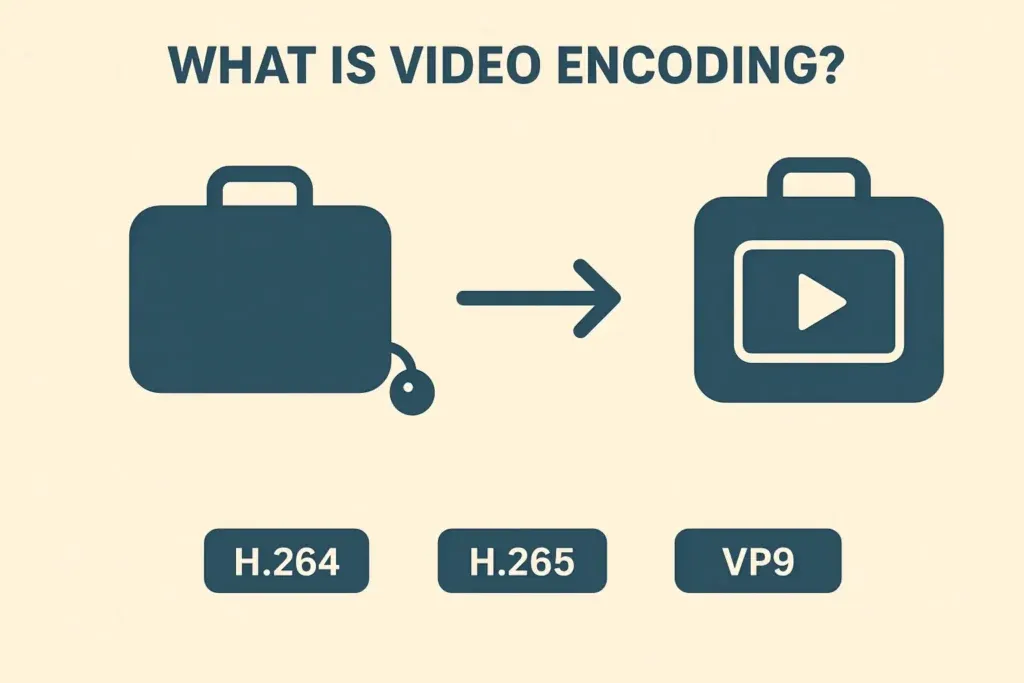
Video encoding is the process of converting raw video data into a compressed format that can be stored or transmitted more efficiently.
The Suitcase Analogy: Imagine packing a large suitcase: by compressing and organizing the contents, it becomes easier to carry. Similarly, video encoding reduces file size while preserving quality.
Common encoding formats include H.264, H.265, and VP9, each balancing compression efficiency, quality, and compatibility.
2. Why Video Encoding is Needed
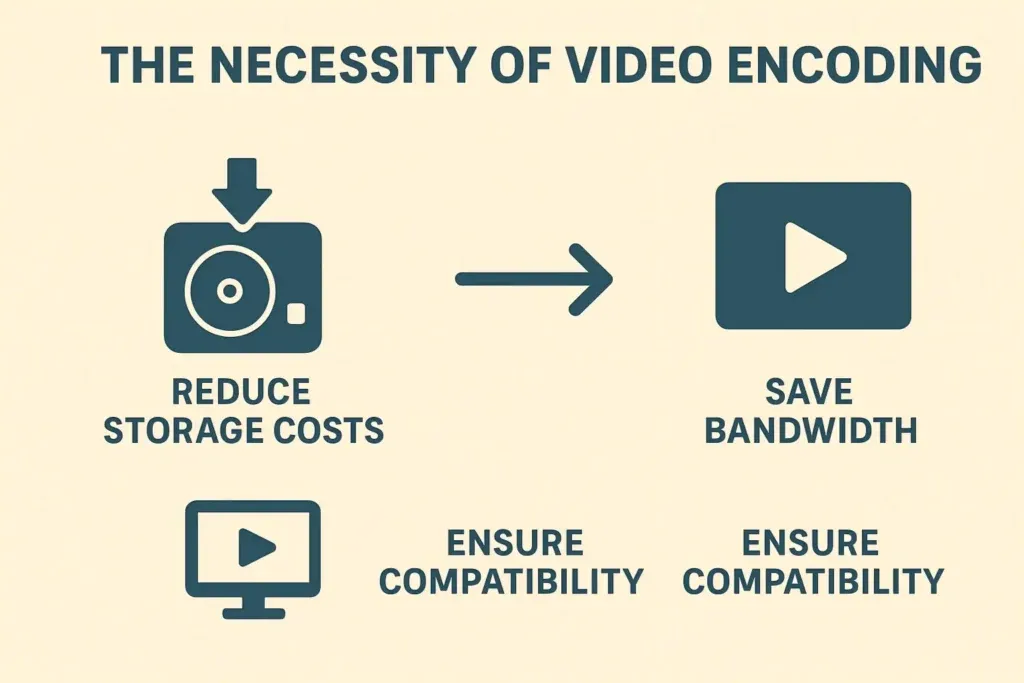
The necessity of video encoding can be summarized in four key points. Without encoding, video would be too large to store, slow to transmit, and difficult to play on diverse devices.
3. How Video Encoding Works
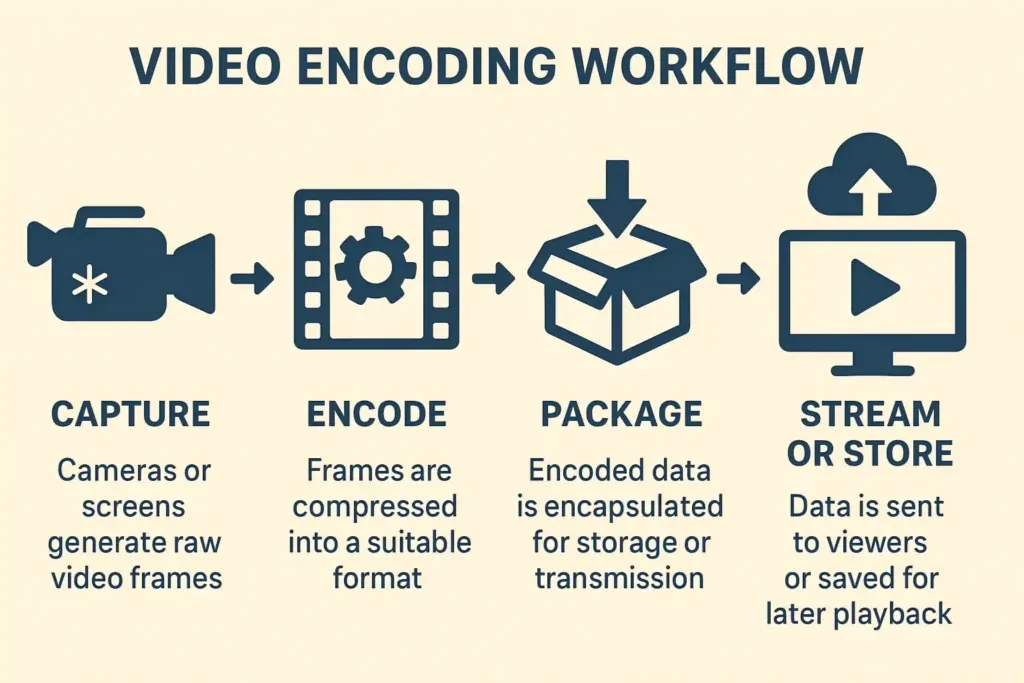
The video encoding workflow typically involves four distinct steps. Here is the process breakdown:
Capture
Raw Data Generation Cameras, sensors, or screen capture tools generate raw video frames. At this stage, the data is uncompressed and massive in size.
Encode
Compression Processing Frames are compressed into a suitable format (like H.264). Key parameters like Resolution, Frame Rate, and Bitrate are defined here.
Package
Encapsulation The encoded video data (and audio) is wrapped into a container format (like MP4, TS, or MOV) to ensure it can be properly stored or transmitted.
Stream or Store
Delivery The final packaged data is sent to viewers via streaming protocols (like RTMP, NDI) or saved to a disk for later playback.
4. Software vs. Hardware Encoding
Video encoding can be performed either via software or hardware. For demanding scenarios like live streaming, multi-camera production, or gaming, hardware encoding is the preferred solution.
- Hardware Efficiency: Uses dedicated chips (GPU/ASIC/FPGA) with minimal CPU load. - Low Latency: Optimized for real-time delivery, crucial for live interaction. - High Performance: Handles multiple streams simultaneously without dropping frames.
- Resource Heavy: Software runs on the CPU, consuming resources needed for other tasks. - Higher Latency: Processing time is generally slower, making it less ideal for live use. - Variable Performance: Dependent on overall system load and background processes.
5. Real-Time Challenges & NDI
Even with efficient encoding, real-time video transmission faces several challenges, such as latency in traditional protocols (RTMP) and synchronization issues.
The Solution: NDI
To address these issues, NDI (Network Device Interface) has emerged. It allows high-quality, low-latency video to be transmitted over local and wide-area networks.
Case Studies: NDI Hardware Encoding
- 🎮 Game Streaming: Hardware encoders with NDI transmit multiple feeds in real-time, ensuring smooth gameplay.
- ⚽ Sports Broadcast: NDI transmits all streams simultaneously across the production network, enabling instant camera switching.
- 🏢 Enterprise Collaboration: NDI combined with hardware encoding allows seamless, synchronized collaboration across devices.
Conclusion
Video encoding is the backbone of modern video applications. As demand for high-quality, low-latency video grows, combining Hardware Encoders with protocols like NDI is the standard for the future.
FAQs
Q1: How do I choose between hardware and software video encoders?
For real-time, high-quality applications like live streaming or multi-camera setups, hardware encoders are preferred due to low latency and high performance.
Q2: How does NDI improve multi-camera live streaming?
NDI allows multiple camera feeds to be transmitted over a network with minimal delay, simplifying production and switching between angles.
Q3: How do I optimize video encoding for gaming or sports?
You should increase the bitrate, choose efficient codecs (e.g., H.265), and pair with hardware encoders to maintain quality while reducing latency to the absolute minimum.
Q4: Can I use NDI for remote collaboration in enterprise settings?
Yes, NDI enables high-definition, low-latency video sharing across devices, ideal for remote production, virtual meetings, or collaborative video editing.