How to Stream Nintendo Switch Without a PC: The Ultimate Guide

Introduction: Can You Go Live on Nintendo Switch?
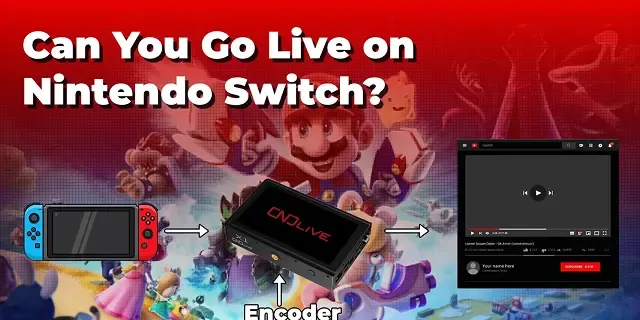
Many gamers love sharing their gameplay online, but one question keeps coming up: Can you go live on Nintendo Switch?
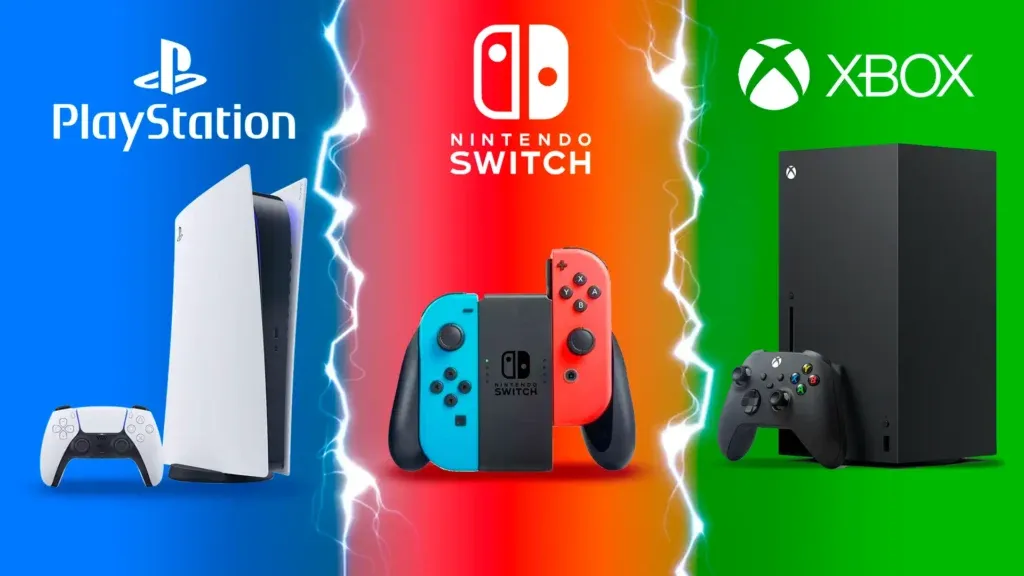
Unlike PlayStation or Xbox, the Switch doesn’t come with built-in streaming apps like Twitch or YouTube. However, that doesn’t mean streaming is impossible — you just need the right tools.
In this article, we’ll walk you through how to stream Nintendo Switch gameplay using a hardware encoder — a powerful, portable device that lets you broadcast anytime, anywhere, even outdoors.
Why Nintendo Switch Doesn’t Support Built-in Streaming
The Nintendo Switch was designed for portability and local play, not integrated broadcasting.
- No native streaming apps: Unlike PlayStation or Xbox, Switch doesn’t support Twitch or YouTube directly.
- Hardware limitations: It focuses on gaming performance and mobility rather than encoding or broadcast functions.
- Result: To go live, you’ll need a third-party tool — such as a capture card or encoder.
Two Main Ways to Go Live on Nintendo Switch
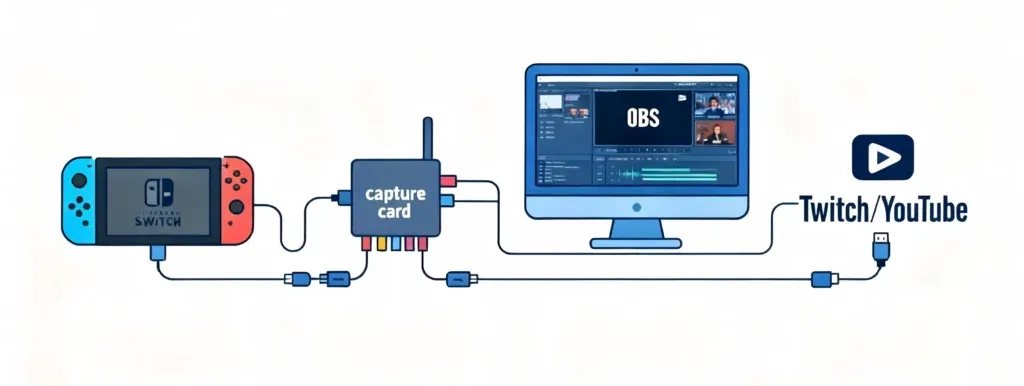
Option 1: Using a Capture Card and PC Software
How it works: Connect your Switch Dock → Capture Card → PC → OBS/Streamlabs → Streaming platform.
- You can add overlays, effects, and chat on screen. * High customization for scenes.
- It’s complicated: Requires a PC and multiple cables. * Not portable: Hard to set up outdoors. * High Cost: Needs a decent PC to handle encoding.
Option 2: Using a Hardware Encoder for Direct Streaming
A hardware encoder simplifies everything. You can go live without a PC, directly from your Switch Dock.
- ✅ Plug-and-play setup — connect HDMI and network, then start streaming.
- ✅ No computer needed
- ✅ Super fast setup
- ✅ Works even outdoors

Step-by-Step Guide: How to Stream Using an Encoder
Follow these simple steps to start your broadcast.
-
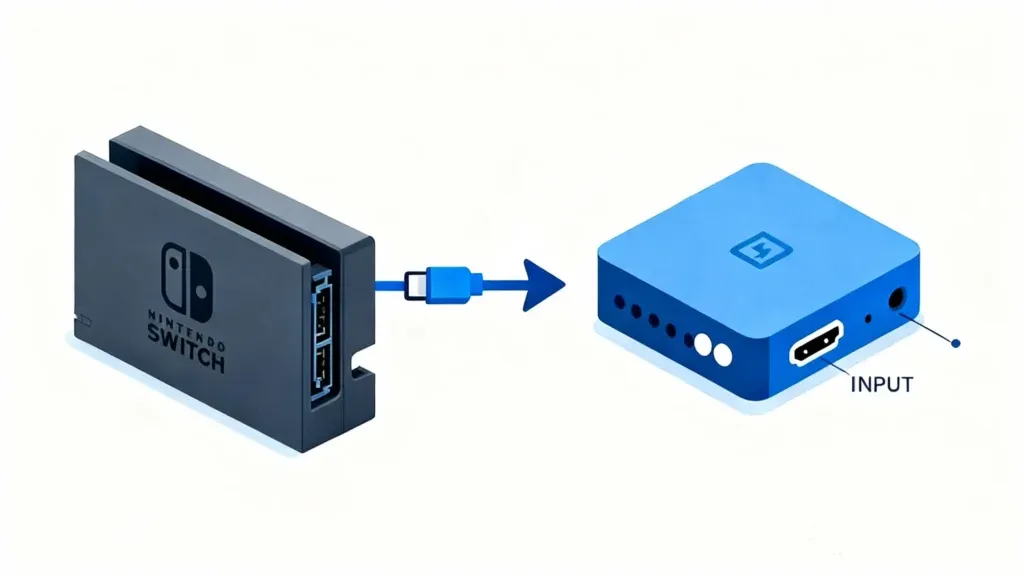
Connect Video Source Connect Switch Dock → HDMI cable → Encoder Input.
-
Network Setup Set up your network (Ethernet, Wi-Fi, or SIM card).

-
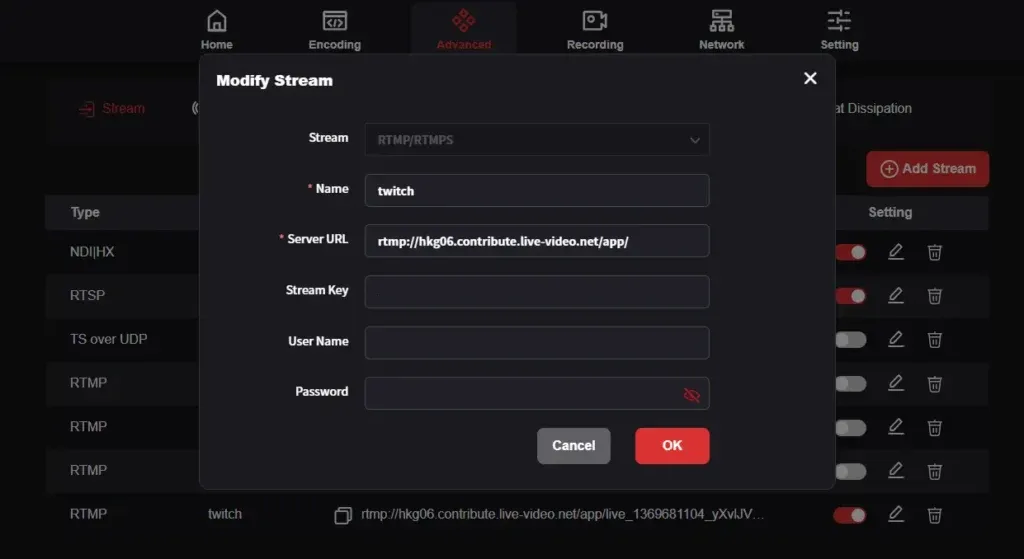
Configure Stream Add your stream key and RTMP/SRT server address from your platform.
-
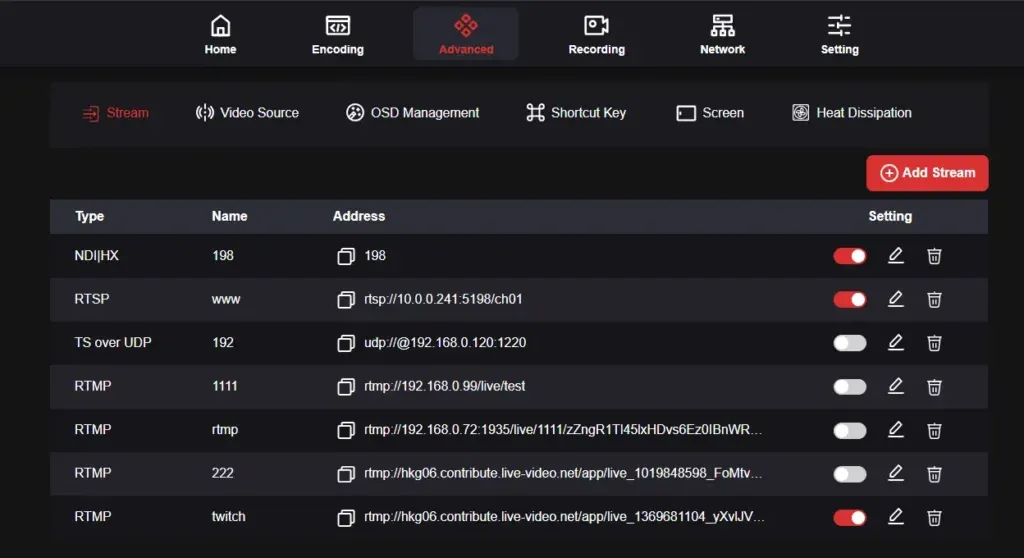
Start Streaming Tap Start Streaming on the encoder screen.
-
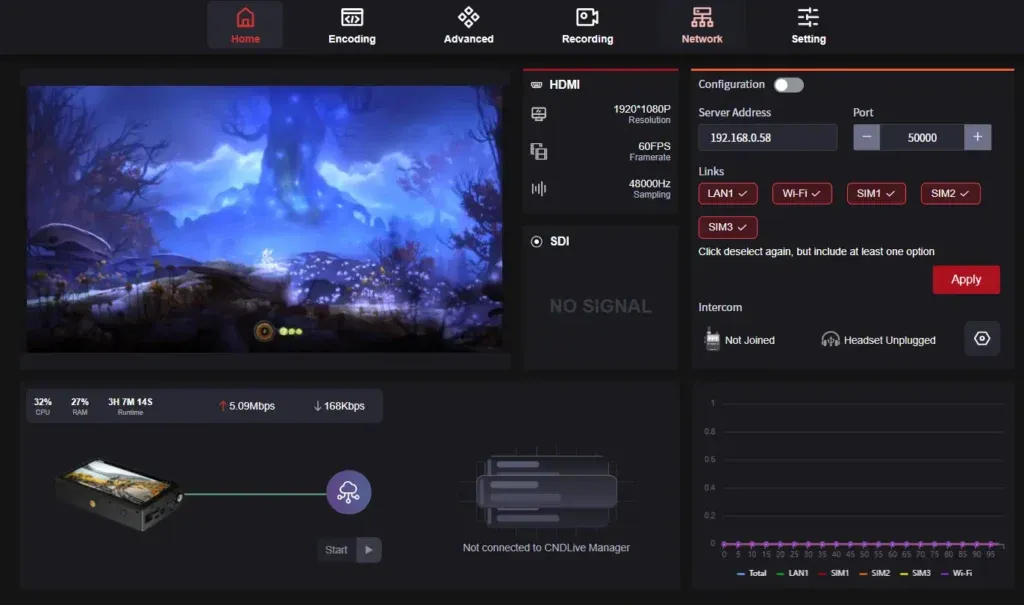
Monitor Status Monitor your bitrate and resolution directly from the encoder dashboard.
-
You Are Live! That’s it–you’re broadcasting to the world!
Why Use an Encoder for Nintendo Switch Live Streaming
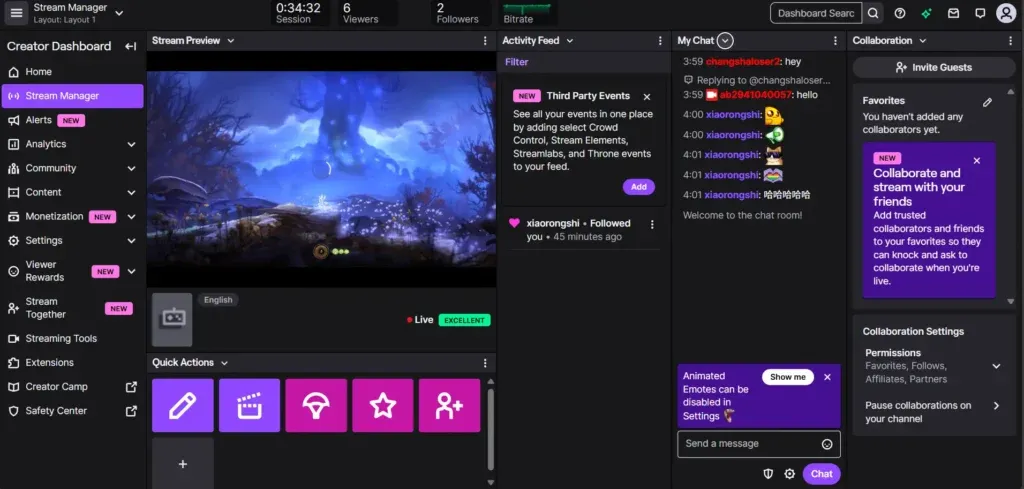
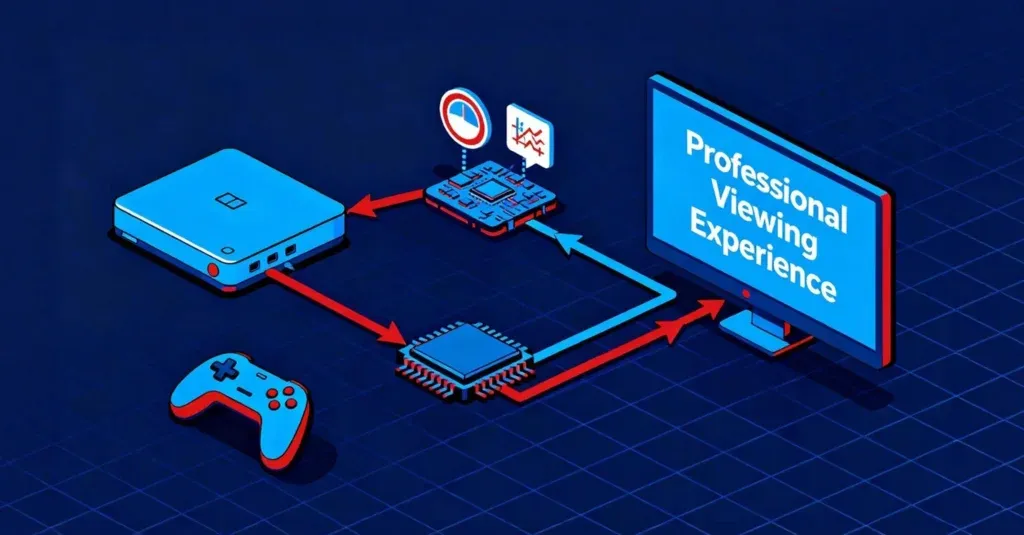
Stable Connection and Low Latency
One of the biggest challenges for streamers is keeping their video smooth and stable. When your stream lags or freezes, viewers quickly lose interest.
A hardware encoder solves this by using a dedicated chip to process and send your video in real time, instead of relying on your computer. This means less delay, better synchronization, and fewer dropped frames.
No Need for a PC
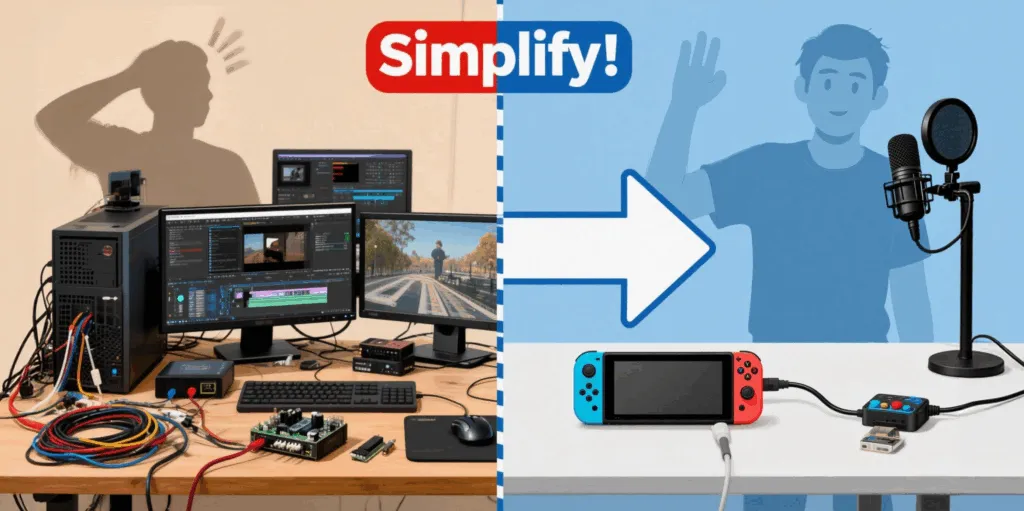
Traditional streaming setups can be messy — a PC, cables, capture cards, and software like OBS. It takes time to configure and can easily go wrong.
With an encoder, you can skip all that. Just connect your Nintendo Switch Dock via HDMI, set up your internet connection, and hit start streaming. Everything runs directly on the device.
Multi-Platform Output
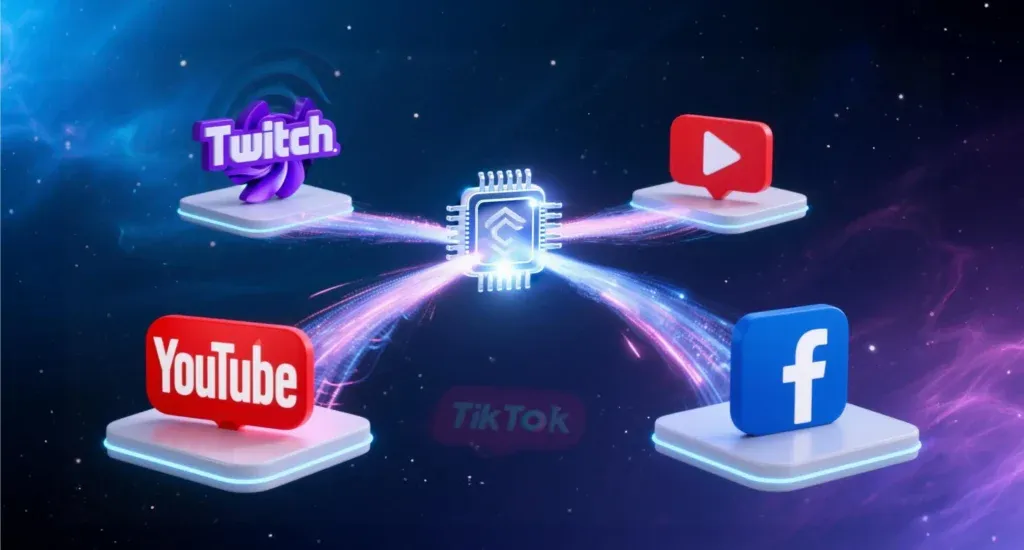
A professional encoder lets you stream to several platforms (Twitch, YouTube, Facebook) at the same time, all from one device. This helps you reach more viewers without extra setup or heavy CPU load.
Outdoor Bonded Streaming: Go Live Anywhere
Sometimes the best content happens outside. But mobile networks can be unstable.
Our encoders use Bonded Streaming to combine multiple networks — like 4G/5G, Wi-Fi, and Ethernet — to create one powerful, stable connection. Even if one signal drops, your stream stays live.

Compact and Professional Setup
Encoders are small, lightweight, and portable. Despite their size, they pack serious power. You can take it to events, use it in your studio, or keep it in your bag for spontaneous outdoor sessions.
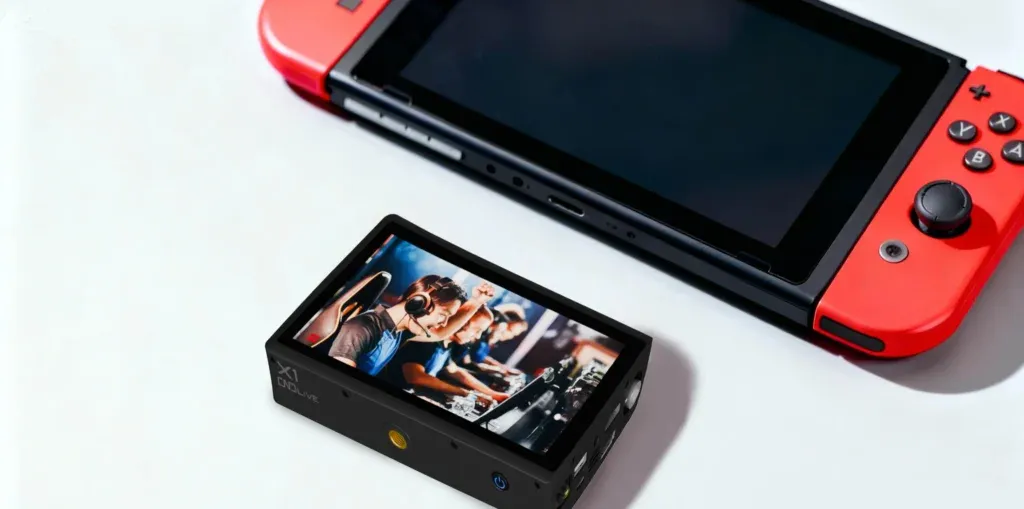
Recommended Gear
Model: C6 4K HDMI/SDI Video Encoder
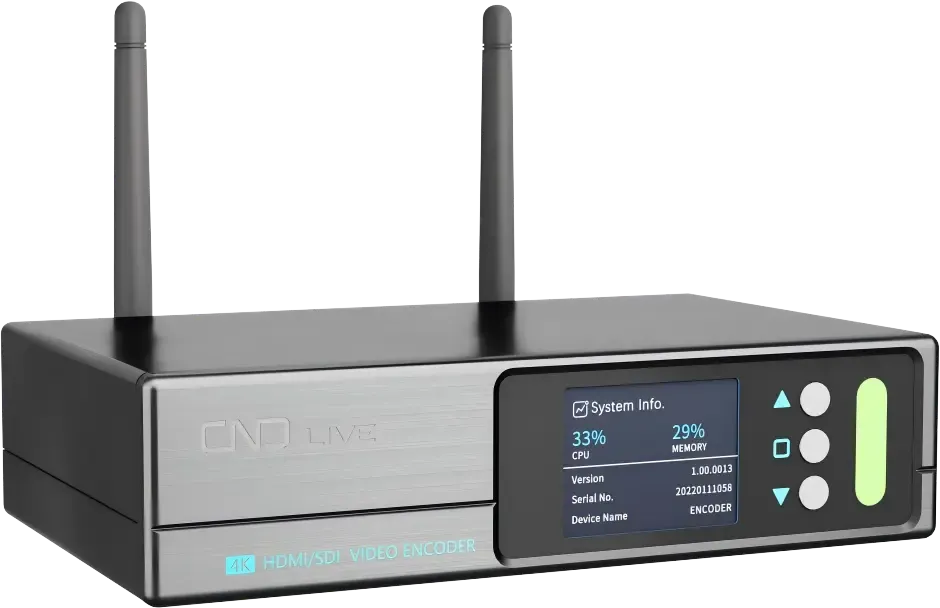
- Supports RTMP, RTMPS, SRT, HLS, TS over UDP, RTSP, NDI|HX 2/3
- Dual HDMI & SDI inputs
- 2.0-inch touchscreen for real-time status and one-touch streaming
- Supports Wi-Fi 6, PoE power
Model: X1 H265 SDI/HDMI 4G Bonding Encoder
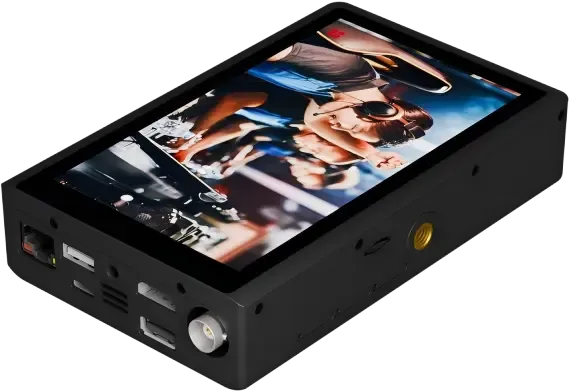
- Combines up to 7 networks (3x SIM, Wi-Fi 6, GbE, 2x USB modems)
- 3-4 hours battery life
- 5.5-inch large display for real-time video preview and touch control
- Supports H.265 encoding and SRT point-to-point transmission
How it connects to switch: Just plug the HDMI from your Switch Dock into the encoder. The device auto-detects the signal.
Helping Small and Growing Streamers Succeed
From Gaming to Real-Life Streaming—One Device for All
Our hardware encoder allows creators to easily bridge both worlds.
- For gaming: Connect Switch via HDMI for stable, PC-free streaming.
- For lifestyle: Use the bonded network to stream IRL from parks or events.
Build Your Brand Long-Term
By using a portable encoder, you can maintain a consistent flow of content even when traveling. Mixing gameplay with real-life storytelling allows fans to feel personally connected and emotionally invested.
Pro Tips for Better Quality
- Bitrate: Adjust bitrate and resolution based on your network. 2. Audio: Use an external microphone for clear sound. 3. Test: Test your connection before going live. 4. Power: Keep your console charged or docked for long sessions.
FAQs: Common Questions
Q1: Can I stream without a capture card? Yes, with a hardware encoder.
Q2: What platforms are supported? Twitch, YouTube, Facebook, and custom RTMP servers.
Q3: Do I need OBS or PC software? No, the encoder handles everything directly.
Q4: Can I use a mobile hotspot? Yes — especially with bonding encoders that combine multiple signals.
Conclusion
So, can you go live on Nintendo Switch? Absolutely — with the right external device.
A hardware encoder gives you freedom: stream directly, anywhere, anytime. For creators who want to grow their channel and connect with fans anywhere, this is the smartest way to stream.